
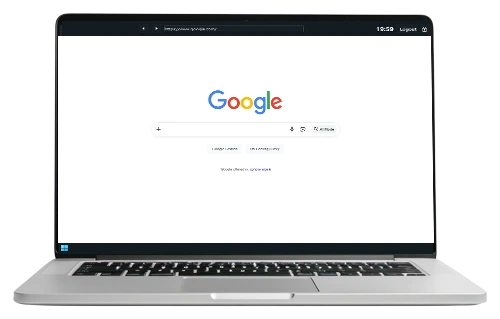

Antamedia Kiosk
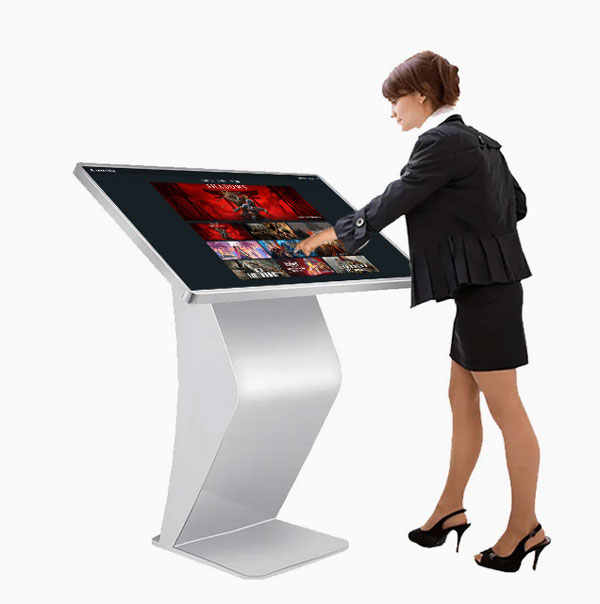
Antamedia Kiosk is built for libraries, hotels, schools, hospitals, and public service points that need unattended access with predictable security and minimal maintenance.
It turns a standard Windows PC into a purpose-driven self-service station, so visitors can complete tasks without staff assistance. The result is a consistent public experience that stays stable even in high-traffic environments.
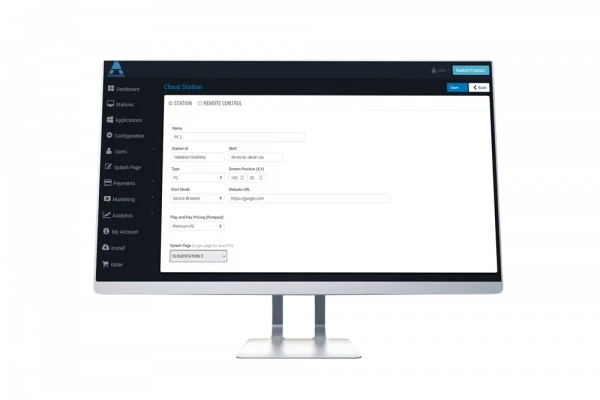
Manage every kiosk from a single cloud dashboard using a secure browser workflow, website controls, session limits, and monitoring tools that keep daily operations simple and reliable.
You decide exactly which sites or web apps are available, set a branded start page, and enforce a repeatable session flow for every user. That means fewer support incidents, less time spent “fixing public PCs,” and more control across multiple locations.
Kiosk Features
Kiosk Secure Browser
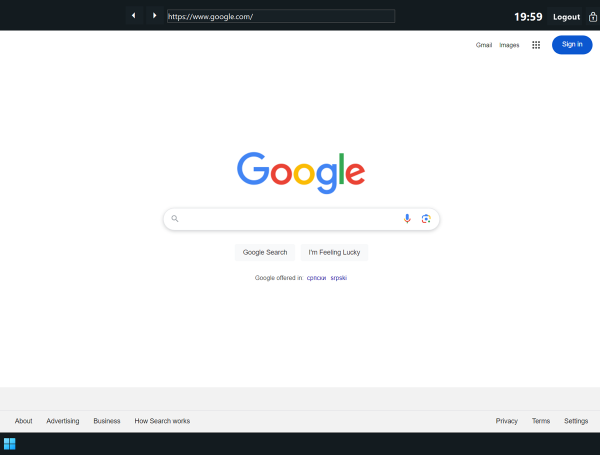
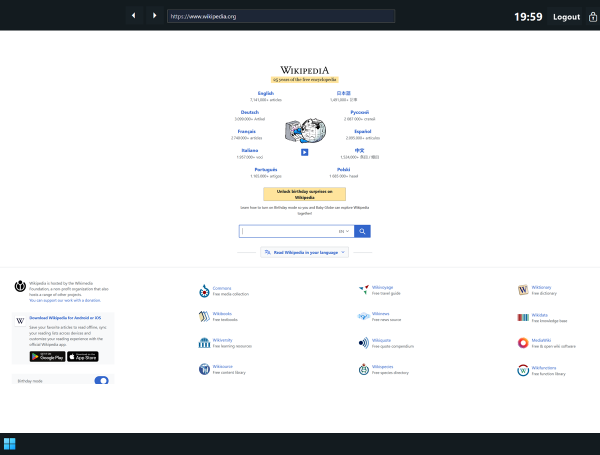
Antamedia Kiosk includes a secure Chromium-based browser, ideal for public access.
It provides a locked-down browsing environment that restricts access to only approved websites, helping protect privacy and security.
With customizable start pages, session time limits, and URL whitelisting or blacklisting, it fits libraries, hotels, self-service stations, and digital info points.
It prevents access to system settings or unauthorized content, keeping devices safe and user-friendly.
Easily Control Your Kiosk Network
Access & Session Rules
Define how long each session lasts, what happens when time expires, and keep public usage consistent across every kiosk.
Secure Browser Workflow
Replace the desktop with a locked-down browser experience so users stay inside the kiosk flow without access to system settings.
Branded Public Experience
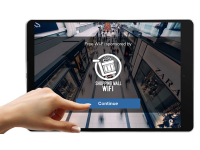
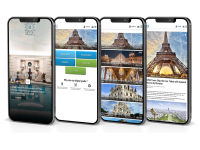
Use your logo, background, and announcements to create a consistent self-service interface across all kiosks.
Monitoring and Analytics
See station status, active sessions, and logs in one place so staff can react quickly and reduce support workload.
Full Payment and Billing System
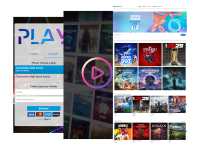
Offer paid access plans based on time or data usage with support for 100+ payment gateways, including Stripe, PayPal, and mobile money services.
Remote Device and Power Control
Integrate Tuya-compatible smart plugs to power devices on or off remotely from the dashboard when physical access is limited.
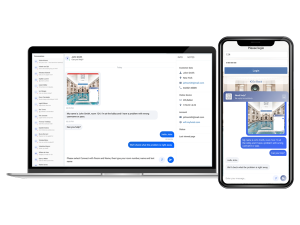
Central Dashboard Control
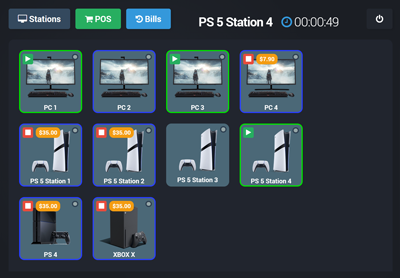
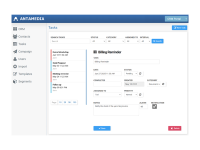
Manage every kiosk from one place: track station status, apply policies, and keep configurations consistent across locations.
Group kiosks by venue, push changes centrally, and standardize the public experience without manual work on each PC.
POS (Point of sale)
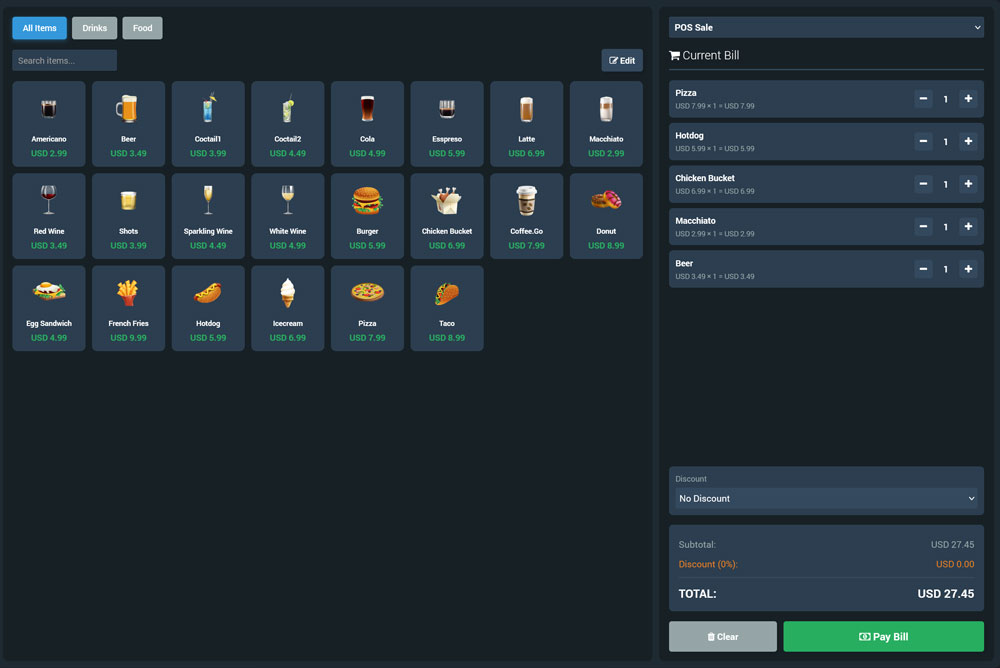
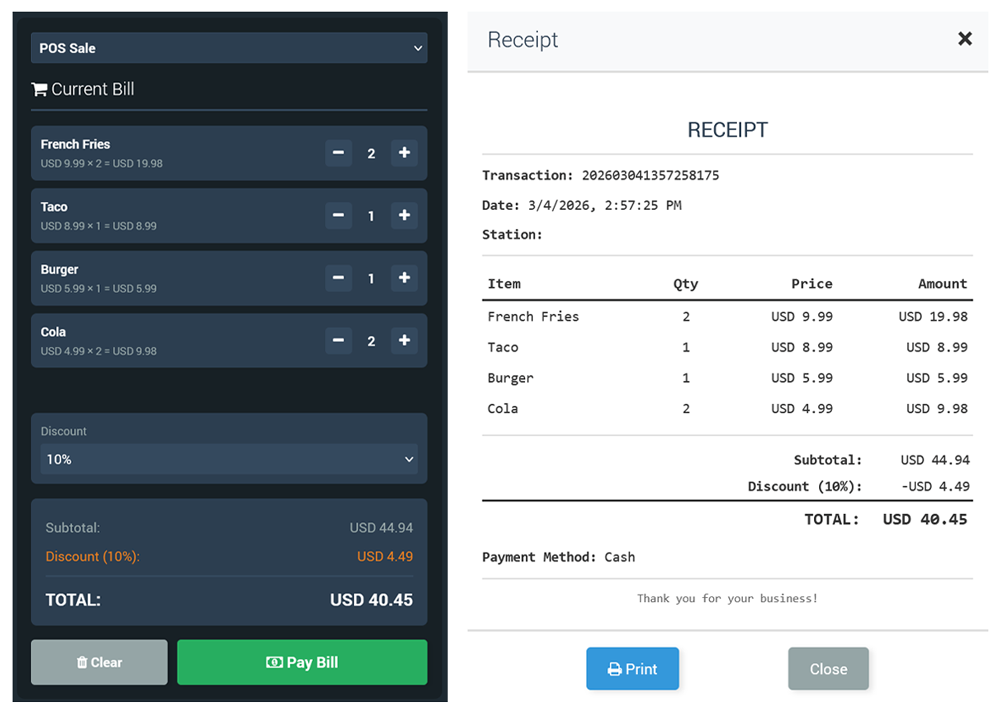
Internet Cafe includes a built-in POS designed for venues that operate public PCs and self-service stations with staff support. From the same dashboard used to start sessions, extend time, and monitor stations, your team can also sell products and services without relying on separate cash register software.
Build your item list (snacks, drinks, accessories, printing, headset rentals, memberships, add-on time, and more), then attach purchases to the right customer in seconds. Transactions stay linked to the correct station and user, which keeps billing accurate, simplifies dispute handling, and gives you clean reporting for daily operations.
Secure access and session policies
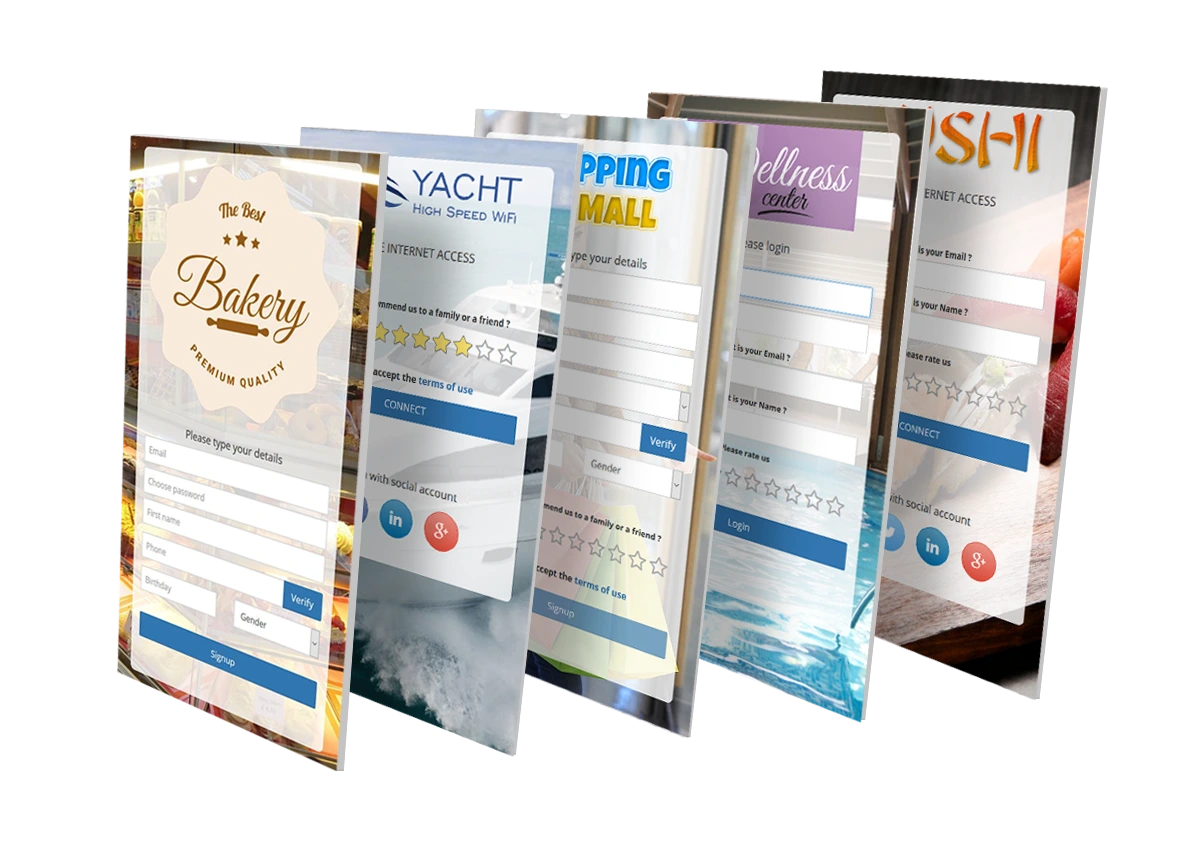
Internet Cafe supports multiple authentication options, including individual accounts, prepaid vouchers, one-time passwords (OTP), and instant access after a brief video ad.
You can offer limited free trials or automate signups with integrated payment options.
Customizable session rules can automatically log out inactive users, helping keep stations ready for the next customer and reducing unattended access.
Who is it for?
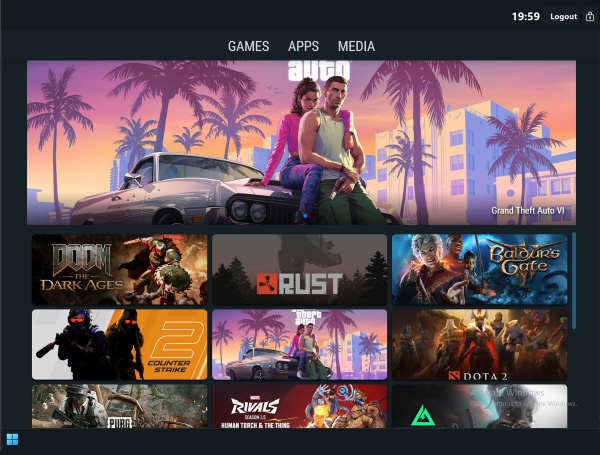
Two Flexible Modes of Operation
Simple setup
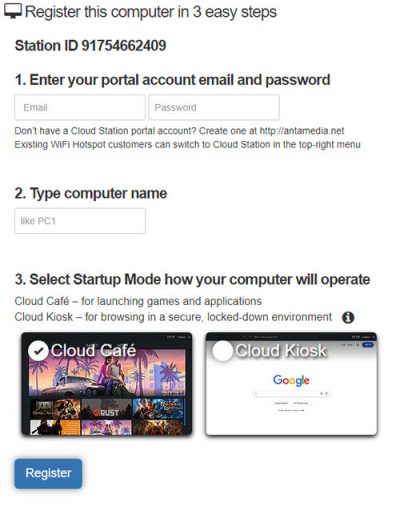
Download the installer on your Windows PC, log in, select between Café and Kiosk modes, and register your station on the portal.
For multi-display or unique setups, you can adjust screen positions, and set up custom app profiles.
Once a station is registered, it appears on your dashboard so you can monitor its status and apply consistent settings across all devices.
You can start with a single kiosk and roll out additional stations using the same workflow, keeping deployments predictable across locations.
Easy, Powerful, Reliable
Antamedia Kiosk simplifies the way you run public PCs. Fast to set up, easy to operate, and ready to scale across locations.
Reduce maintenance and support workload
Standardize sessions, restrict access, and keep kiosks aligned with policy so staff can spend less time fixing public computers.
Trusted since 2001.
Built on decades of experience in public-access environments, refined through real deployments and feedback from organizations worldwide.